How to Set Up an Electrum Bitcoin Wallet
Setting up an Electrum Bitcoin wallet? It’s easy, sort of. First, grab the app from electrum.org. Choose your OS, download it, and then install it. Create a wallet—standard or multi-sig, your pick. Generate a seed phrase; good luck remembering those 12-24 words. Secure it like it’s a state secret. Backup your wallet, encrypt it, and maybe even consider running your own server if you’re feeling fancy. Stick around for more essential wallet tips.
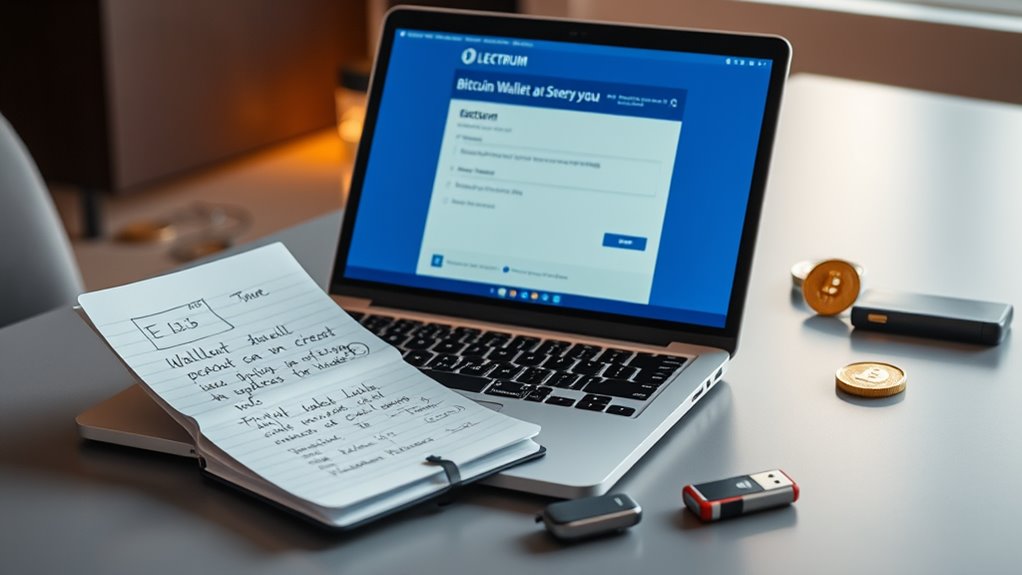
Setting up an Electrum Bitcoin wallet is a straightforward process that even a tech novice can tackle. First, they need to visit the official Electrum website at electrum.org. It’s not rocket science, folks. Choose the right version for your operating system—Windows, Mac, or Linux. Download it, but don’t just click “install” like a mindless drone. Verify the digital signature of the downloaded file first. Safety first, right?
Once that’s done, run the installer and follow the prompts. You’re almost there. Launch the Electrum application, and voilà, you’re ready to roll.
Next up, creating a wallet. Select the “Create a new wallet” option. Easy enough. Now, pick your wallet type: standard or multi-signature. Feeling fancy? Go for multi-signature. Electrum offers various wallet creation options, including a standard wallet that supports both bech32/segwit and legacy formats.
Next, create your wallet by selecting “Create a new wallet.” Choose between standard or multi-signature—go ahead, get fancy!
Then comes the fun part: generating a new seed phrase. That’s a set of 12 or 24 words that’s basically your wallet’s lifeline. Write it down on paper—don’t store it on your computer, that’s just asking for trouble. And for heaven’s sake, store it securely. After jotting down those words, verify them by re-entering. No pressure, but if you mess this up, you might lose your funds. Make sure to keep the backup seed secure to protect your wallet access.
Then, set a wallet password that’s stronger than your last relationship. Enter it twice to confirm because, hey, mistakes happen. Think about enabling two-factor authentication. Use a password manager, or just keep it in your head, but don’t share it with anyone. Seriously, keep it to yourself. The user interface is intuitive enough that managing security features shouldn’t be difficult for most users.
Now for server settings. Automatic or manual? It’s your call. Want extra privacy? Run your own Electrum server. Enable SSL encryption. It’s like a safety net for your data.
Finally, make backups. Export that wallet file to external storage and encrypt it. Store everything in different places, and maybe invest in a metal seed holder. You never know when a fire might strike.
Got that? Good. Now go forth and manage your Bitcoin like a pro.
Frequently Asked Questions
Is Electrum Wallet Safe for Long-Term Bitcoin Storage?
Is the Electrum wallet safe for long-term Bitcoin storage?
Well, it’s got some solid features—like two-factor authentication and HD structure.
But, let’s be real: nothing’s perfect. Phishing and malware are lurking out there, ready to pounce.
If users don’t back up their seed phrases or use strong passwords, they’re just asking for trouble.
Sure, experts love it, but security is only as strong as the user.
Can I Use Electrum on Multiple Devices?
Absolutely, Electrum can totally be used on multiple devices. Just download it on each one. Simple enough, right?
The magic happens with that seed phrase. Use it to restore your wallet anywhere. Transactions sync up automatically, so you won’t miss a beat.
But, let’s be real—don’t skimp on security. Strong passwords and encryption are your friends here. Just remember, sharing is not caring when it comes to your crypto.
What Should I Do if I Lose My Recovery Phrase?
Losing a recovery phrase? Ouch.
First, contact Electrum support. They might help, but don’t hold your breath.
Try digging through devices for backups or, if you’re feeling lucky, remember that seed phrase. Good luck with that.
If all else fails, start fresh. Accept the loss. Download Electrum again, generate a new seed, and this time, secure it like it’s your life.
Because, let’s be honest, it kinda is.
Does Electrum Support Other Cryptocurrencies Besides Bitcoin?
Electrum? Yeah, it’s strictly a Bitcoin club. No other cryptocurrencies allowed.
It’s like that exclusive party where only Bitcoin gets in. No plans to add anything else, ever.
Forks exist for other coins, but good luck finding support for them.
If you want a multi-coin experience, you’ll need to look elsewhere. Think Exodus or Trust Wallet.
Electrum thrives on simplicity, but it comes at the cost of variety.
How Do I Update My Electrum Wallet Software?
Updating the Electrum wallet software? It’s a breeze. First, grab the latest version from their official site. Yes, that’s electrum.org, not some sketchy link.
Back up your wallet—because losing money sucks. Close the current app, run the new installer, and voilà!
Follow prompts, restart if needed, and check that everything’s still there. If it’s not? Oops. Better luck next time.
Just make sure to read about any new features too.
Electrum is a popular lightweight digital asset wallet that provides secure storage and easy management of your Bitcoin holdings.
Understanding bitcoin monetary systems is essential before setting up any wallet, as it helps you grasp how transactions and security work.
Setting up your electrum digital asset wallet properly ensures secure storage and easy management of your Bitcoin holdings.
Understanding bitcoin monetary systems is essential before choosing a wallet like Electrum to securely store and manage your digital assets.