Trezor: The Ultimate Guide to Crypto Hardware Wallets
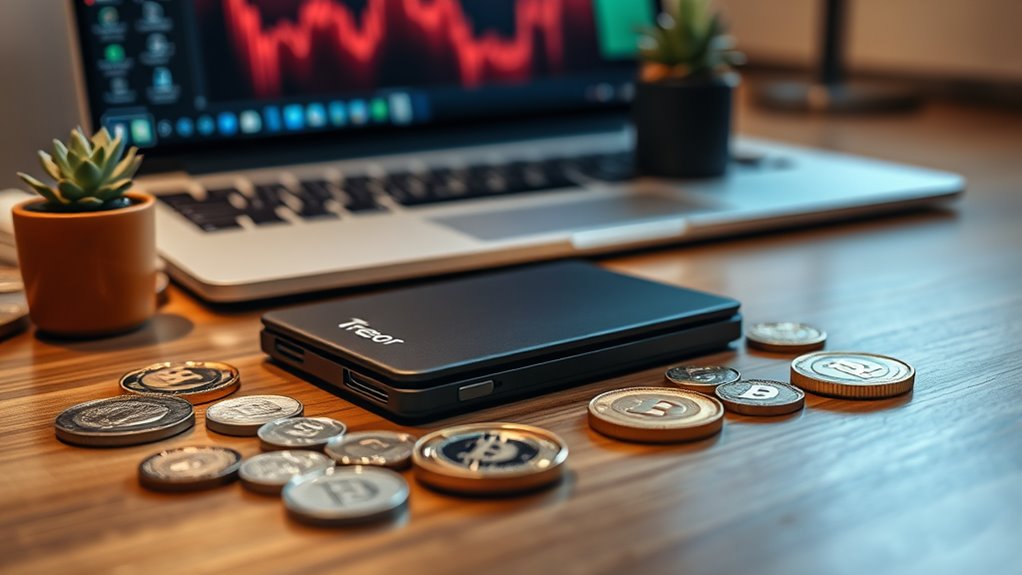
Trezor hardware wallets provide offline private key storage, keeping crypto assets safe from hackers. These portable devices act like tiny fortresses for Bitcoin, Ethereum, and other cryptocurrencies. Setup takes about fifteen minutes and includes generating a recovery phrase—never take photos of it. Priced between $50-$150, they’re considerably more secure than software alternatives. Users maintain complete control over their funds, even if exchanges collapse. The peace of mind is worth every penny.
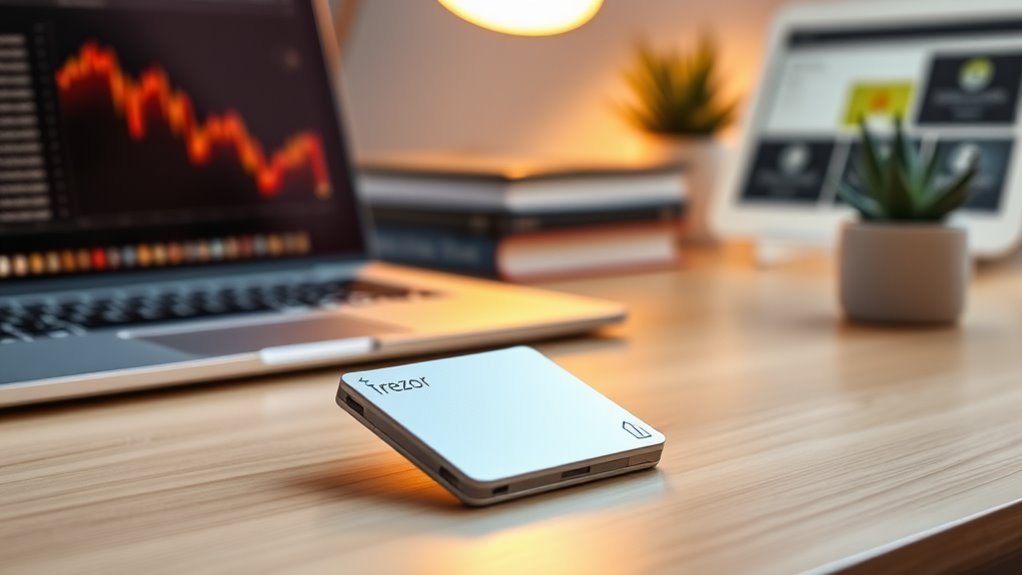
Numerous crypto enthusiasts are turning to hardware wallets for a simple reason—security matters. In a world where digital assets can vanish in seconds, physical protection just makes sense. Hardware wallets like Trezor offer what software wallets can’t: offline private key storage that hackers simply cannot reach. Period.
These devices aren’t complicated. They’re typically small, USB-sized gadgets that generate and store private keys while keeping them isolated from internet-connected devices. Think of them as tiny fortresses for your crypto assets. They’re portable too, so your entire crypto portfolio can literally fit in your pocket. Cold storage is a crucial aspect of their operation, providing an extra layer of security.
The market offers several options. Trezor, Ledger, and KeepKey dominate, each with their own quirks and features. Most support multiple cryptocurrencies—Bitcoin, Ethereum, and dozens of altcoins. That’s convenient. No need for multiple devices cluttering your desk.
Setting up a hardware wallet isn’t rocket science, but it’s not exactly plug-and-play either. You’ll generate keys, create a recovery phrase (write it down, don’t take a picture—seriously), and set a PIN. The whole process takes about fifteen minutes. Using a hardware wallet provides protection against the exchange collapse risks that have plagued many crypto investors in recent years. Not bad for something that could protect thousands—or millions—of dollars.
The advantages are obvious. Superior security. Complete control over funds. Offline storage. Recovery options if you drop your wallet in the toilet. Multi-platform support.
Hardware wallets give you bulletproof security and total control. Even toilet disasters won’t sink your crypto portfolio.
Of course, nothing’s perfect. Hardware wallets cost money—usually between $50 and $150. That’s expensive compared to free software wallets, but cheap insurance for valuable assets. Some users find them intimidating at first. The interface can feel clunky compared to slick mobile apps. The pioneer Trezor has established itself as a trustworthy option with no reported hacks since its introduction in 2014.
Air-gapped options provide even more security by never connecting to the internet. Some newer models offer Bluetooth connectivity—convenient but potentially less secure. Your choice.
The bottom line? Hardware wallets represent the gold standard for crypto security. They combine the safety of cold storage with the convenience of digital transactions. For anyone holding significant crypto assets, they’re not just nice to have—they’re essential.
Frequently Asked Questions
How Do I Recover My Trezor Wallet if It’s Lost or Damaged?
To recover a lost or damaged Trezor wallet, users need their recovery phrase (seed words).
They simply purchase a new Trezor device, connect it to Trezor Suite, select “Recover Wallet,” and input their seed phrase.
The blockchain doesn’t care about the physical device. It’s all about those secret words.
No recovery phrase? No crypto. Period.
Users should also update firmware and set a new PIN for security.
Can Trezor Store Multiple Cryptocurrencies on One Device?
Yes, Trezor hardware wallets support hundreds of different cryptocurrencies on a single device.
Bitcoin, Ethereum, and all ERC-20 tokens are included. Users manage these through Trezor Suite for major coins, while third-party wallets handle the rest.
The device works with multiple networks too – Binance Smart Chain, Polygon, Avalanche, you name it.
Pretty convenient, actually. No need to buy separate wallets for different crypto. One device does it all.
Is It Possible to Use Trezor With Mobile Devices?
Yes, Trezor works with mobile devices, but with limitations.
Android users get the better deal – direct connection to Trezor hardware wallets with robust functionality.
iOS users? Not so lucky. They’re limited to Trezor Suite Lite, which only handles basic portfolio tracking and receiving. No sending funds on mobile, period.
Third-party apps like Mycelium offer Android users additional options. For full features, though, desktop remains king. Mobile is just for quick checks on the go.
What Happens if Trezor Company Goes Out of Business?
If Trezor goes bust, don’t panic.
Crypto isn’t stored on the device itself but on the blockchain. Users can still access funds using their seed phrase with any BIP39-compatible wallet.
That’s the beauty of open-source. The community can maintain the software, and other hardware wallets can restore the funds using the same standards.
Just keep that seed phrase safe. Really safe.
The company might die, but your crypto lives on.
How Do Trezor Wallets Compare to Other Hardware Wallet Brands?
Trezor wallets stand out for their open-source software and regular security audits. Unlike Ledger’s closed-source approach, Trezor lets anyone inspect the code.
Price-wise, they’re competitive ($59-$179) compared to Ledger ($79-$279). No Bluetooth like Ledger offers, though.
Security features include Tor integration and Shamir backup options. BitBox02 brings unique anti-klepto protection Trezor lacks.
Trezor’s color touchscreen makes navigation easy. Each brand has trade-offs – open-source transparency versus Ledger’s secure chip protection. Your call.
As cryptocurrency adoption continues to grow, digital asset wallets have become essential tools for investors seeking secure storage solutions for their holdings.
As crypto monetary systems continue to evolve, hardware wallets like Trezor provide essential security for protecting your digital assets from online threats.
As crypto monetary systems continue to evolve, hardware wallets like Trezor provide essential security for protecting your digital assets from online threats.