How to Reset Your Ledger Wallet Without a PIN
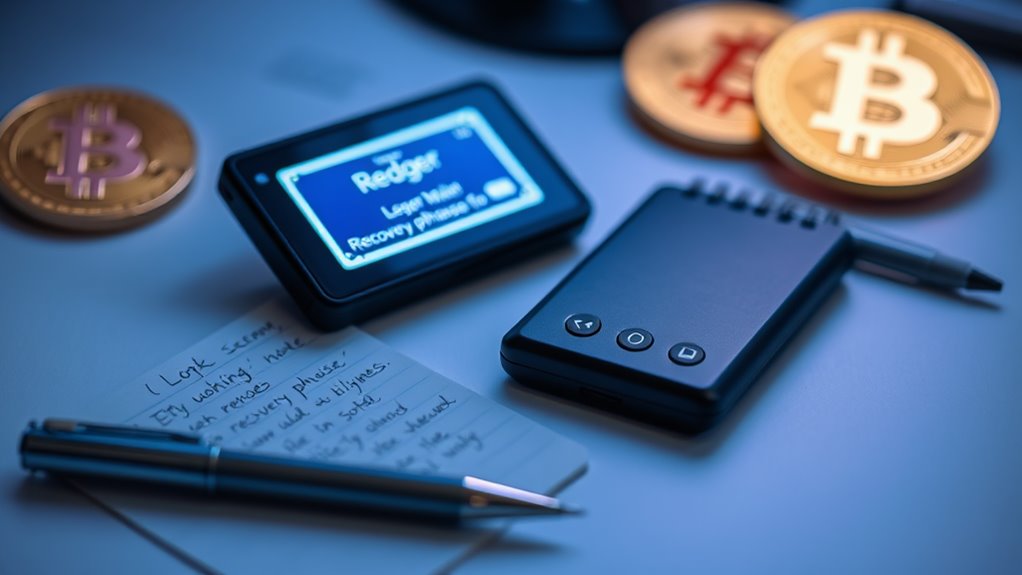
To reset a Ledger wallet without a PIN, simply enter an incorrect PIN three times consecutively. After the third wrong attempt, the device displays a factory reset warning. Confirm the reset through the on-screen prompt, and all data will be erased. Simple as that. The process works across all Ledger models. Remember, crypto assets aren’t stored on the device—they’re on the blockchain. The recovery phrase is what truly matters in this security dance.
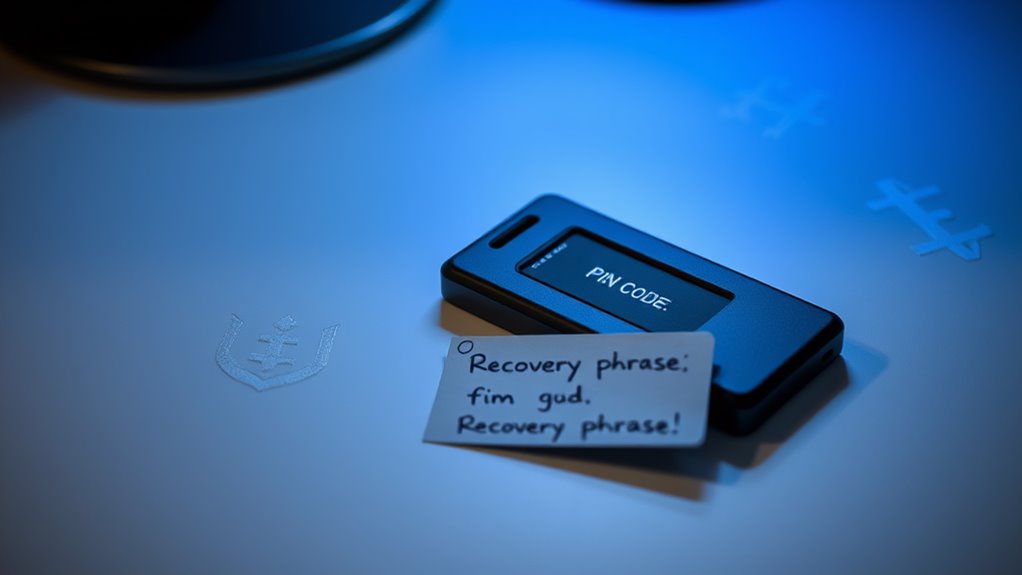
Every Ledger wallet owner eventually faces a moment of panic—a forgotten PIN, a device acting weird, or preparing to sell their hardware. It happens. Life gets messy. But there’s a solution, and it’s actually built right into the system.
The process is straightforward. Enter an incorrect PIN three times. That’s it. The device will display a factory reset warning after the third failed attempt. The Ledger isn’t playing games—it’s serious about security. Once the warning appears, confirm the reset through the on-screen prompt. Everything gets wiped. Clean slate.
But wait. Those crypto assets aren’t gone forever. They’re not actually stored on the device anyway. The 24-word recovery phrase is the real key to the kingdom. Without it, you’re toast. With it, you’re golden. After the reset, navigate to Settings > Security and follow the restoration process using the recovery phrase.
The device will ask for each word in sequence. No shortcuts here. Type them in carefully—one wrong word and things get complicated fast. Once restored, set a new PIN. Maybe write it down this time? Just kidding. Sort of.
After restoration, crypto balances don’t magically reappear until the apps are reinstalled via Ledger Live. This part trips up even seasoned users. Download the apps, check the accounts, breathe a sigh of relief.
The whole process highlights the self-custody model that crypto enthusiasts either love or hate. No helpdesk to call. No password reset via email. Just you, your device, and that precious recovery phrase. Ledger isn’t responsible for your memory lapses. In the world of self-custody, you must accept personal accountability for managing your crypto assets properly.
Unlike Trezor hardware wallets which offer cold storage protection, Ledger has its own unique security architecture that serves the same purpose of keeping private keys offline and safe from online threats.
Testing the recovery process periodically isn’t paranoia—it’s common sense. Hardware can fail. Memory certainly does. The system works across different Ledger models, from the button-pressing Nano S to the newer USB-C devices. Whether it’s the Ledger Nano X or Nano S Plus, the reset process takes just a few minutes to complete.
Remember: physical security of that recovery phrase is paramount. No phrase, no funds. Simple as that.
Frequently Asked Questions
Can I Reset My Ledger Wallet Remotely if It’s Lost?
No. Remote resetting of Ledger wallets isn’t possible. Period. The device requires physical access for any reset operation – that’s literally the point of hardware wallets.
Anyone who loses their Ledger is facing facts: the device needs actual buttons pressed to access the Control Center. No remote wipe feature exists.
The security design is intentional. Without physical possession, that wallet stays locked. It’s frustrating but necessary.
Security over convenience, always.
Will Resetting My Ledger Affect My Crypto’s Market Value?
Resetting a Ledger wallet has zero impact on crypto market values. None. Zilch.
The reset only affects device access, not the actual assets. Cryptocurrencies exist on the blockchain—not inside the physical wallet.
Bitcoin, Ethereum, whatever—they’ll keep doing their volatile dance regardless.
Markets fluctuate based on supply, demand, and Twitter drama. Not because someone reset their hardware wallet.
The funds remain exactly where they were. Untouched.
How Often Should I Update My Ledger PIN?
Updating a Ledger PIN isn’t something with a fixed schedule.
Most security experts recommend changing it only when necessary.
Situations calling for updates? Someone saw you enter it. Your device was temporarily out of your possession. You suspect compromise. Or just that nagging feeling something’s off.
Some folks change PINs quarterly as preventative maintenance. Others never do unless forced.
Bottom line: security trumps frequency. The best PIN? One that’s never shared and totally unpredictable.
Can I Recover Funds if I Forgot Both PIN and Recovery Phrase?
No. Absolutely not.
If both PIN and recovery phrase are gone, those funds are locked away forever. Period. That’s the whole point of cold storage security.
Ledger can’t help. Support can’t help. Nobody can help. It’s equivalent to losing both a safe’s combination and key simultaneously. Scammers might claim otherwise – they’re lying.
The system’s designed this way intentionally. Harsh reality? Yes. But cryptocurrency security works on zero exceptions.
Is Resetting Different for Ledger Nano S Versus Nano X Models?
Resetting is basically identical on both devices.
Three wrong PINs and boom – factory reset.
No differences in the core process.
Both models allow reset through Settings if you remember your PIN.
One tiny difference? Nano X has Bluetooth capability, but that doesn’t change the reset procedure at all.
After any reset, you’ll need that recovery phrase.
No way around it.
Both devices will make you select words sequentially to restore your wallets.
A digital asset reset becomes necessary when you’ve forgotten your PIN and need to regain access to your Ledger wallet.
Understanding how to recover access to wallet monetary systems like Ledger devices is crucial when you’ve forgotten your PIN.
A digital asset reset becomes necessary when you’ve forgotten your PIN and need to restore access to your Ledger wallet.
When traditional monetary systems reset or face disruptions, having secure access to your cryptocurrency wallet becomes increasingly important for financial stability.